Telehealth Done Right: A Practical Guide for Small Practices
The JenPulse team · 5 October 2026 · 3 min read
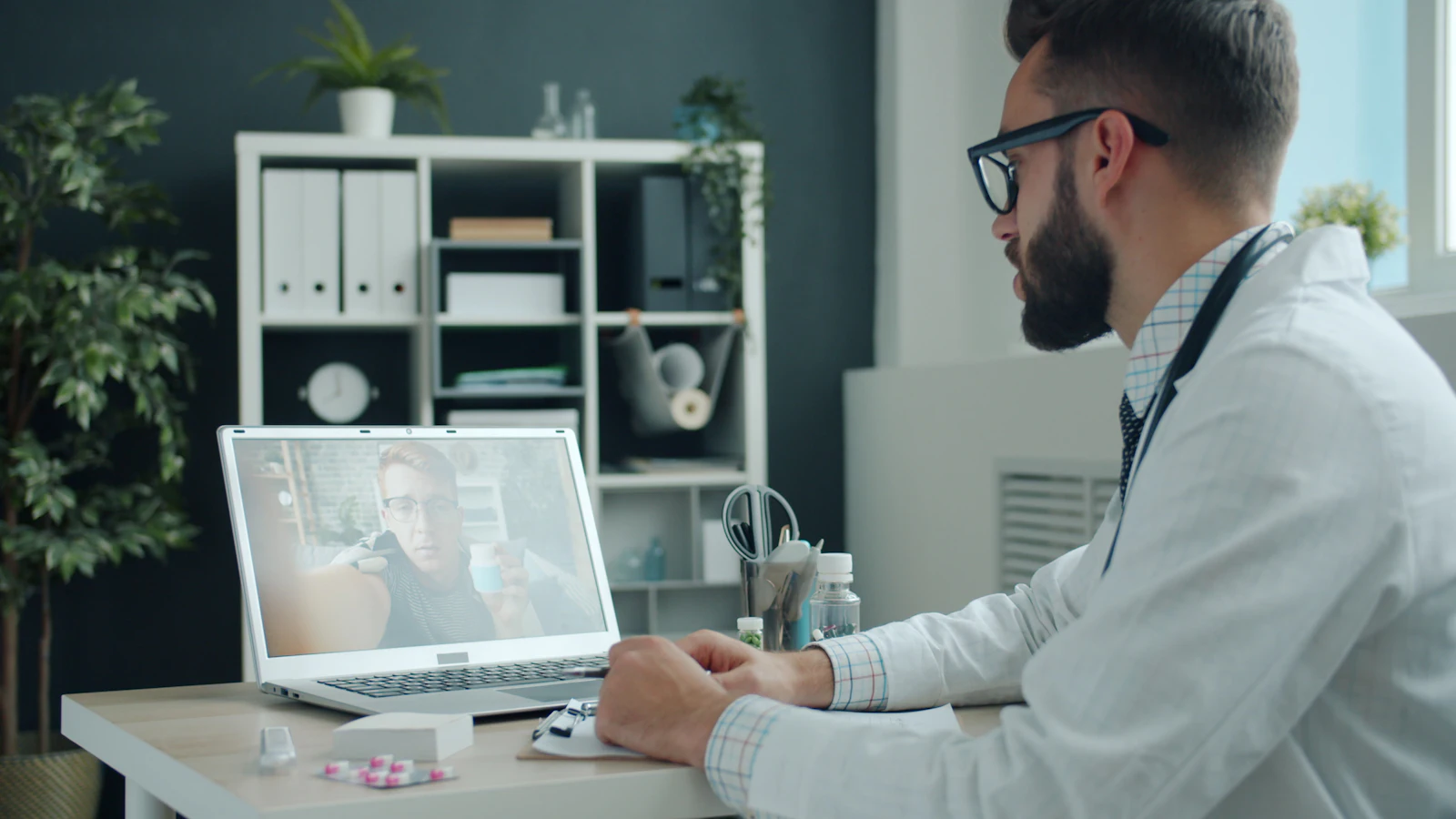
Telehealth has settled into a lasting role in many practices: follow-ups, medication checks, results discussions and visits for patients who struggle to travel. Done well, it saves everyone time. Done badly, it means dropped calls, missing documentation and claims that don't get paid.
This guide focuses on the US, with notes that apply wherever you practise. Rules differ by country, state and payer, and they have changed several times since 2020, so always check the current requirements.
Choose the right visits
Telehealth works best for:
- Follow-ups and chronic condition check-ins
- Medication management
- Reviewing test results
- Behavioral health
- Triage, to decide whether an in-person visit is needed
It is a poor fit when a physical examination is essential. Build in a simple rule: if the clinician isn't comfortable, the patient comes in.
Use a platform that protects patient privacy
In the US, a video platform used for patient visits handles protected health information, so it must meet HIPAA requirements, and the vendor should sign a business associate agreement. The temporary enforcement flexibility that allowed everyday consumer video apps during the COVID-19 public health emergency ended in 2023.
Look for a platform that:
- Doesn't require patients to install complicated software
- Works on phones, including with weaker connections
- Lets you start visits from the patient's appointment, not from a separate system
Licensure: where the patient is matters
In the US, clinicians generally need to be licensed in the state where the patient is located at the time of the visit, not where the clinician sits. The Interstate Medical Licensure Compact makes it easier for eligible physicians to hold licenses in multiple participating states, but it doesn't remove the requirement. Confirm the patient's location at the start of each visit.
Outside the US, national rules apply. For example, India has its own Telemedicine Practice Guidelines; we cover those in a separate guide.
Consent and identity
At the start of each visit:
- Confirm the patient's identity
- Confirm their current location and a phone number in case the call drops
- Obtain and document consent for a telehealth visit, as your state and payers require
- Note who else is present on either side
Document as carefully as an in-person visit
Record the visit type (video or audio-only), the patient's location, consent, the clinical findings and the plan, just as you would in the office. Keep the record in your EHR alongside the patient's other visits, not in a separate tool.
Check billing before you scale up
Payers differ on which services they cover by telehealth, which place-of-service codes and modifiers they expect, and whether audio-only visits are covered. Medicare's telehealth rules have been extended and adjusted repeatedly, so check current CMS guidance and each commercial payer's policy before scheduling large numbers of virtual visits.
A workflow that keeps visits on time
- Send the link and simple instructions with the appointment reminder, including how to test camera and microphone
- Have staff check in the patient a few minutes early, so the clinician joins a ready call
- Set dedicated telehealth blocks rather than mixing them unpredictably with in-person visits
- Agree a fallback: if video fails, switch to audio or reschedule, and document what happened
- Collect payment consistently, with copays handled before or immediately after the call
Measure what matters
Track how many telehealth visits start on time, how many fail for technical reasons, and patient satisfaction. A few months of data will show whether to expand, adjust or keep telehealth for specific visit types only.
Telehealth in JenPulse
In JenPulse, video visits are booked from the patient's record, and the visit stays in that record next to in-person visits. As with any tool, US practices should confirm the video service they use is covered by a business associate agreement before seeing patients. You can try the workflow in the live demo.